Excel 2013 Security: Is the Encryption Strong Enough?
Summary
Discover if Excel 2013 encryption is secure for business data. Learn about AES-128, password stretching, and why your password strength is everything.
Is Excel 2013 encryption secure enough?
The short answer: yes!
Excel 2013 offers solid encryption for most business needs. However, security depends almost entirely on one critical factor: your password strength.
Many businesses and individuals store sensitive data in Excel files daily.
Before trusting a file to protect your proprietary information, trade secrets, or financial records, you deserve clear answers about how Excel actually secures your data.
In this comprehensive FAQ guide, we break down the technical mechanisms
Excel uses, explain why certain passwords fail instantly while others would take thousands of years to crack, and provide practical recommendations for real-world security.
How Excel 2013 Encryption Works Technically
Microsoft Office 2013 uses industry-standard cryptographic practices to protect files. Understanding these components helps you assess whether Excel meets your security requirements.
Core Encryption Components
| Component | Standard Used | What It Does |
|---|---|---|
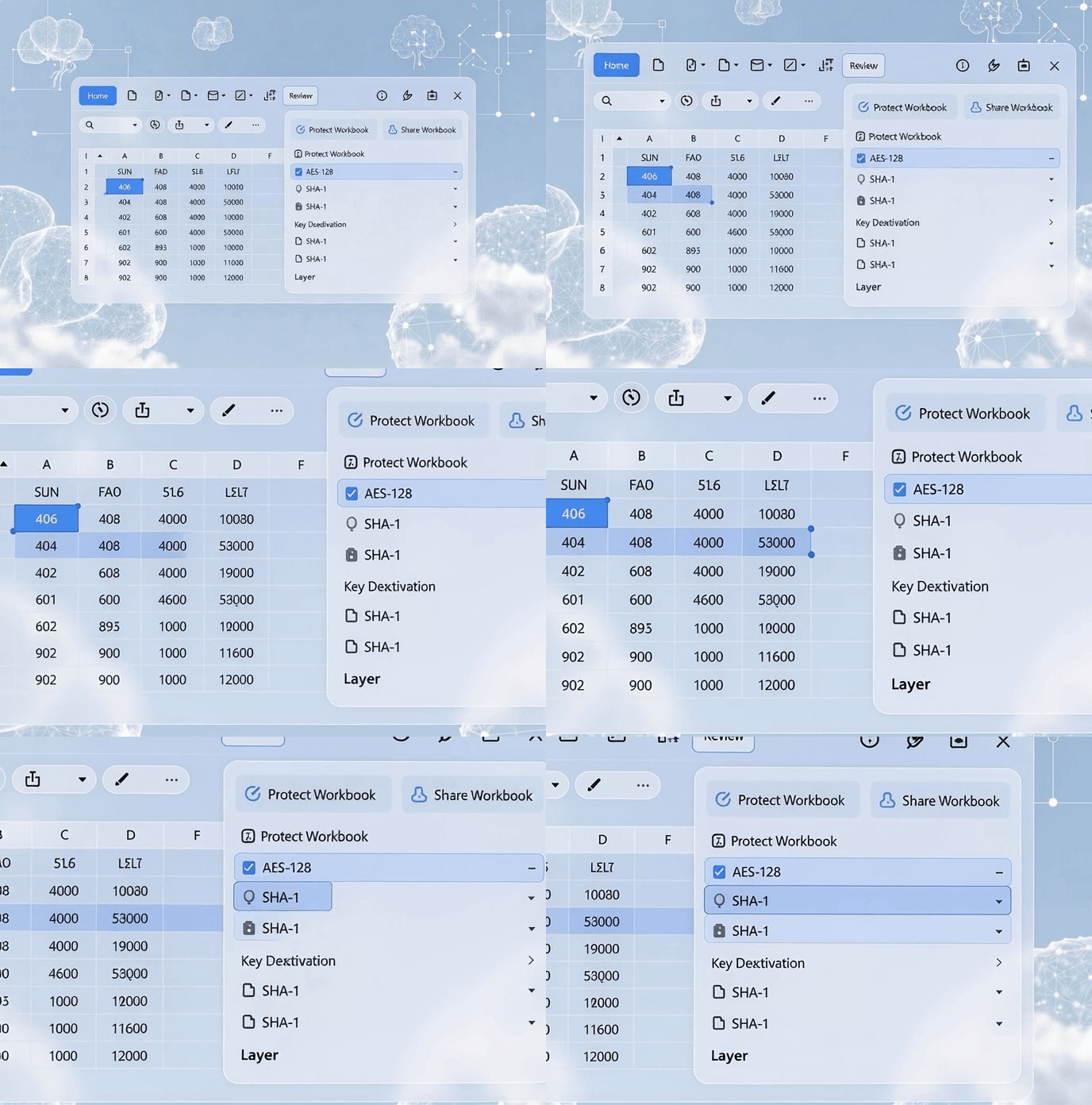
| Encryption Algorithm | AES-128 | Advanced Encryption Standard with 128-bit key. The U.S. government standard for protecting classified data. |
| Key Derivation Function | SHA-1 + 50,000 Iterations |
Converts your password into the actual 128-bit encryption key. The 50,000 iterations (password stretching) slow down attackers dramatically. |
Key Insight: The combination of AES-128 and password stretching creates a formidable defense against most modern attacks. There are no known practical vulnerabilities in AES-128 that would allow decryption without the correct key.
Why These Standards Matter
- AES-128 is proven: Decades of cryptographic research found no backdoors or exploitable weaknesses.
- SHA-1 with 50,000 iterations: This password stretching is what separates amateur protection from enterprise-grade security.
- No known attacks: Researchers have not discovered any practical way to break Excel 2013 encryption except by guessing the password.
Why AES-128 Encryption is Considered Strong
AES-128 is one of the most trusted cryptographic standards in the world. Let me explain why, in simple terms.
Military-Grade Encryption
AES-128 has been extensively tested by cryptographers, hackers, governments, and security researchers for over 20 years. No practical vulnerabilities have been found.
The only way to decrypt an Excel file encrypted with AES-128 is to obtain the correct 128-bit key, which Excel derives from your password through the SHA-1 hashing process.
The Password Stretching Defense (50,000 Iterations)
This is arguably the most important security feature in Excel 2013 encryption.
What is password stretching? Instead of hashing your password once, Excel runs the SHA-1 hashing algorithm 50,000 times.
The Time Cost
- For you (legitimate user): Takes a fraction of a second. You barely notice the delay.
- For an attacker testing millions of passwords: Each guess takes exponentially longer. Brute-force attacks that might take days for an older system now take years or centuries.
This single feature makes modern Excel encryption significantly more resistant to automated password attacks than older versions.
Real-World Implication
A weak password (like "Password123") would normally be cracked in seconds by modern GPU clusters. But with 50,000 iterations, even that weak password would take minutes to hours against a single attacker—and prohibitively long if proper security practices are followed.
The Real Vulnerability: Your Password Strength
Here is the truth that security professionals know: Excel 2013 encryption itself is not the weak link. Your password is.
Since the underlying encryption mechanism is technically sound and has no known exploitable vulnerabilities, attackers focus entirely on password guessing. They obtain the encrypted file and use specialized software to test millions of password combinations offline.
How Offline Password Attacks Work
- Attacker downloads your encrypted Excel file.
- They use password-cracking software (GPU-accelerated) to test password guesses.
- For each guess, the software performs 50,000 SHA-1 hashes (the same process Excel uses).
- They compare the result against the file header.
- When a match is found, the file is decrypted.
This process happens entirely offline, away from your file or Excel application.
Password Strength vs. Attack Time
| Password Type | Example | Crack Time (GPU Attack) | Security Level |
|---|---|---|---|
| Weak and Common | Password123, QWERty2024 | Minutes to Hours | Unsafe |
| Medium Strength | MyC0rpData!2024 | Days to Weeks | Moderate |
| Strong & Unique | 7$kLm9*Qp2!vXwB | Thousands of Years | Secure |
Critical Point: A 14-character password with mixed character types is effectively unbreakable with current technology, even against Excel 2013 encryption.
Best Practices to Maximize Excel 2013 Security
For most businesses protecting general proprietary data, Excel 2013 encryption is perfectly adequate—provided you follow security best practices.
1. Use Strong Passwords: The Foundation
- Minimum length: 14-16 characters (not 8-10).
- Character variety: Mix uppercase, lowercase, numbers, and special symbols.
- Avoid patterns: Don't use keyboard sequences (QWERTY), dates, or company names.
- Never reuse: Use unique passwords for each file or account.
Tr0p!cal$2024Niraiya#SecThis password would take millennia to crack, even with GPUs.
2. Use "Password to Open" (Not Sheet Protection)
Critical distinction: Sheet and workbook protection do not encrypt your data. They simply lock the UI.
- Sheet Protection: Locks cells. Does not encrypt. Easy to bypass.
- Workbook Protection: Locks structure. Does not encrypt. Can be circumvented.
- Password to Open (File Encryption): Encrypts the entire file using AES-128. This is the only method that provides real security.
Recommendation: Always use File menu > Info > Protect Workbook > Encrypt with Password for sensitive files.
3. Implement Organizational Controls
- Password management: Use enterprise password managers to store and audit Excel file passwords.
- Data classification: Mark files containing sensitive data and enforce encryption policies.
- Regular audits: Identify Excel files with weak or missing passwords quarterly.
- Training: Ensure teams understand the difference between sheet protection and file encryption.
4. Consider Alternatives for Top-Secret Data
If you are protecting classified government documents or extremely high-value trade secrets, consider additional layers:
- AES-256 encryption tools: Third-party tools like 7-Zip or VeraCrypt offer 256-bit keys instead of 128-bit.
- Higher iteration counts: Some tools use millions of hash iterations instead of 50,000.
- Offline storage: Air-gapped systems for highest-value files.
Frequently Asked Questions About Excel 2013 Encryption
Q: Can I easily recover a forgotten Excel 2013 password?
Answer 1: Not easily. AES-128 encryption with 50,000 iterations was specifically designed to resist recovery attempts. Excel password recovery services (like Niraiya.com) exist, but they use specialized algorithms and may take time depending on password complexity. The point: use strong passwords you can remember or store securely.
Q: Is AES-128 outdated compared to AES-256?
Answer 2: No. AES-128 remains secure for most business applications. AES-256 offers higher security margins and is preferred for extremely sensitive data, but AES-128 has no known practical weaknesses and will remain secure for decades.
Q: Does Excel 2013 encryption protect against hackers accessing my computer?
Answer 3: No. Encryption protects the file itself. If a hacker has access to your unlocked computer or active Excel session, they can read the data. Encryption protects files at rest and in transit, not against local access attacks.
Q: What about newer Excel versions? Are they more secure?
Answer 4: Excel 2016 and later use AES-256 with SHA-512 (stronger than Excel 2013's AES-128 with SHA-1). However, Excel 2013 encryption remains solid for most business needs if you use strong passwords.
Q: Can sharing encrypted files across email compromise security?
Answer 5: No, but email itself may not be secure. The encrypted file remains safe. However, email transmission itself can be intercepted. Use HTTPS links or secure file-sharing platforms when possible, and share passwords through a separate, secure channel (never via email).
Q: Is Excel 2013 encryption compliant with HIPAA, GDPR, or SOC 2?
Answer 6: Compliance depends on implementation and organizational controls, not just encryption. Excel 2013's AES-128 encryption is strong enough for most regulatory frameworks, but proper password management, access controls, and audit trails must accompany it.
Final Verdict: Is Excel 2013 Encryption Secure Enough?
Yes, Excel 2013 encryption is secure enough for most businesses protecting standard proprietary data. The encryption mechanism uses industry-standard AES-128 with robust password stretching. No practical vulnerabilities exist.
However, security depends almost entirely on your password strength. A weak password negates all the technical security measures.
For Highest Security Needs
If you handle classified data, trade secrets, or operate in highly regulated industries, consider:
- Upgrading to Excel 2016+ with AES-256 encryption.
- Combining file encryption with multi-factor authentication on file storage systems.
- Using dedicated encryption tools alongside Excel password protection.
Did You Forget Your Excel Password?
If you've lost access to an important Excel file, professional password recovery services can help. Niraiya specializes in secure, ethical Excel password recovery using advanced cryptographic techniques. Learn more about password recovery.